
The Best Computers (Desktop + Laptop) to Work From Home in 2026
In 2026, working from home takes more than just having a decent computer. With AI-powered workflows, 4K video calls, demanding apps, and cloud tools, professionals need computers that are powerful, reliable, and ready for the future. No matter if you’re a creative, analyst, executive, or freelancer, choosing the right computer can make you much more efficient.
This guide lists the best desktops and laptops for working from home in 2026. We chose these models based on strict performance tests, expert reviews, and how well they work in real situations. Our goal is to recommend computers that are both technically strong and practical for different types of work.
Best Overall Desktop for Working From Home
Dell Tower Plus (2026)
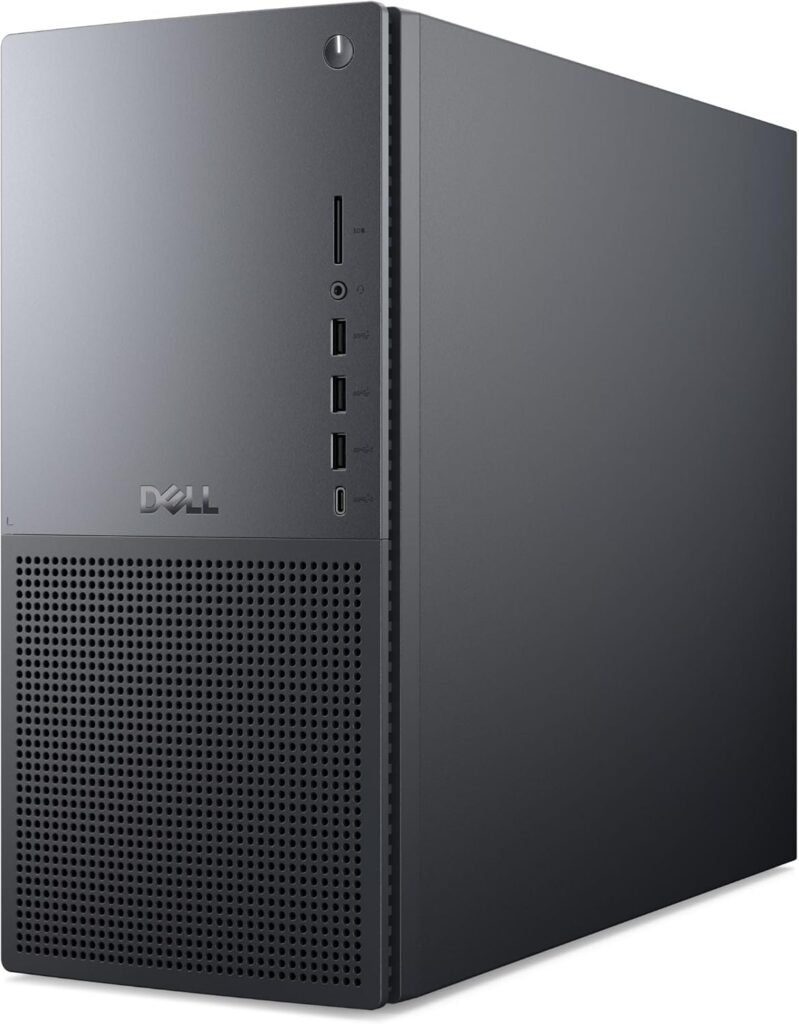
Why it’s the best:
This desktop is built for professionals who need fast, stable, and expandable computers. It handles multitasking, demanding software, and offers long-term reliability.
Key Specs:
- Latest Intel/AMD processors
- High airflow chassis
- Multiple storage and RAM configurations
- Quiet operation
Ideal for: Engineers, analysts, editors, and anyone who needs a long-term workstation.
Best Compact Desktop
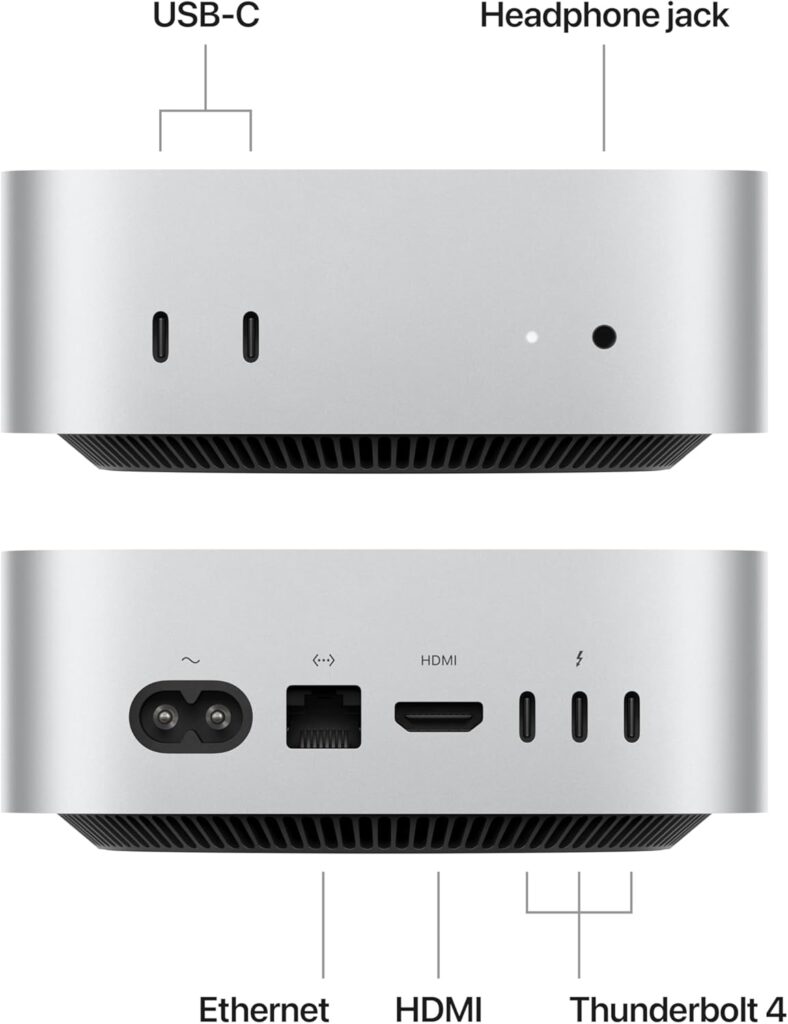
Apple Mac Mini M4
Why it stands out:
The Mac Mini takes up very little space but offers big performance. Its M4 chip is fast and handles creative and productivity tasks with ease.
Key Specs:
- Apple M4 chip
- Ultra‑efficient performance
- Supports dual high‑resolution displays
Ideal for: Creatives, writers, and professionals who want a clean, minimalist workspace.
Best All‑in‑One Desktop
HP OmniStudio X Pro
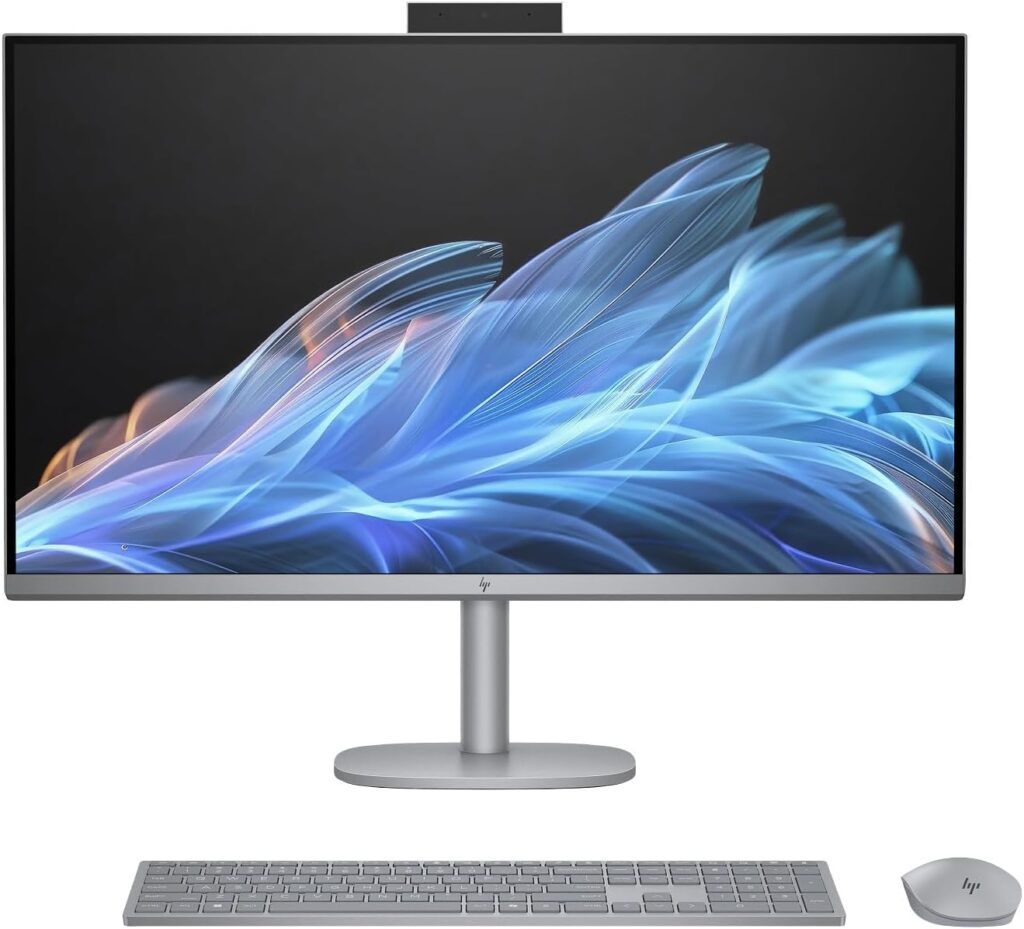
Why it’s great for home offices:
This all-in-one desktop has a modern look, a high-quality display, and strong performance for work tasks.
Key Specs:
- High‑resolution display
- Integrated AI tools
- Excellent webcam and speakers
Ideal for: Remote meetings, design work, and users who want a clutter‑free setup.
Best Desktop for Creative Professionals
Apple iMac M4
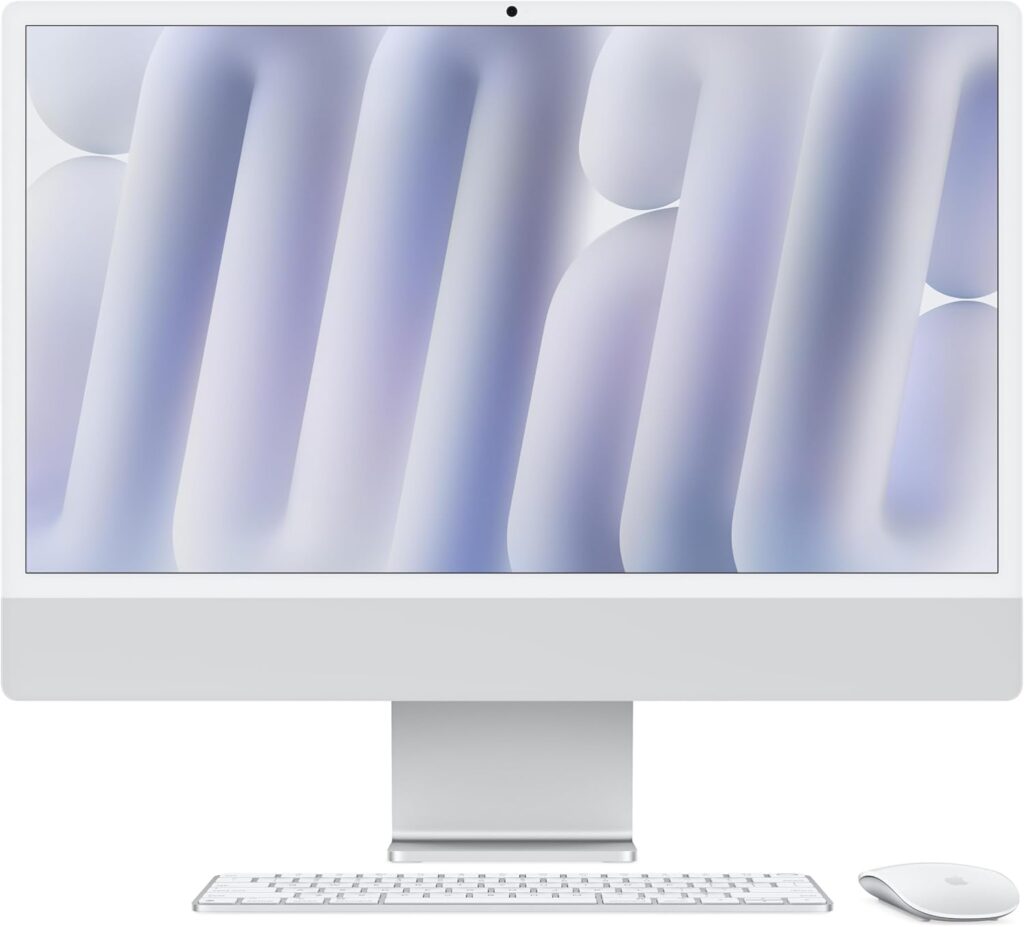
Why creatives love it:
The M4 iMac stands out for its accurate display colors, quiet operation, and excellent performance in creative software.
Key Specs:
- 24‑inch 4.5K Retina display
- M4 chip with advanced GPU
- Multiple color options
Ideal for: Designers, video editors, photographers.
Best Desktop for Business Professionals
Dell XPS 8960
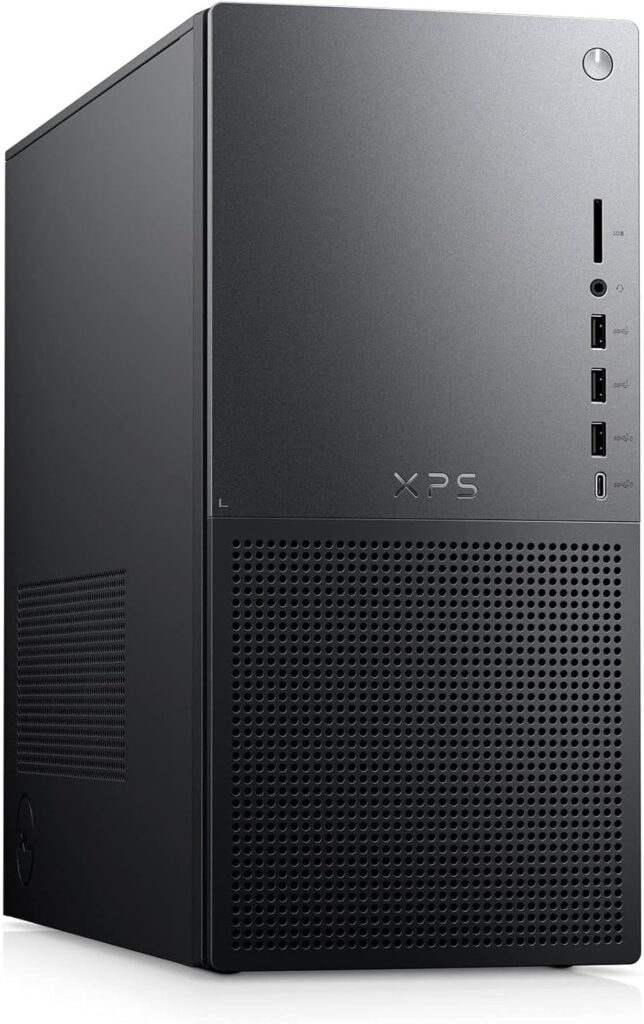
Why it’s a top pick:
This Dell XPS is a high-quality, dependable computer that performs well with business software and multitasking.
Key Specs:
- High‑end CPU options
- Quiet and efficient
- Strong connectivity
Ideal for: Executives, managers, and productivity‑focused users.
Best Laptops for Working From Home in 2026
(According to our friends from RTINGS)
Best Overall Laptop
Apple MacBook Pro 14″ (M4, 2024–2026)
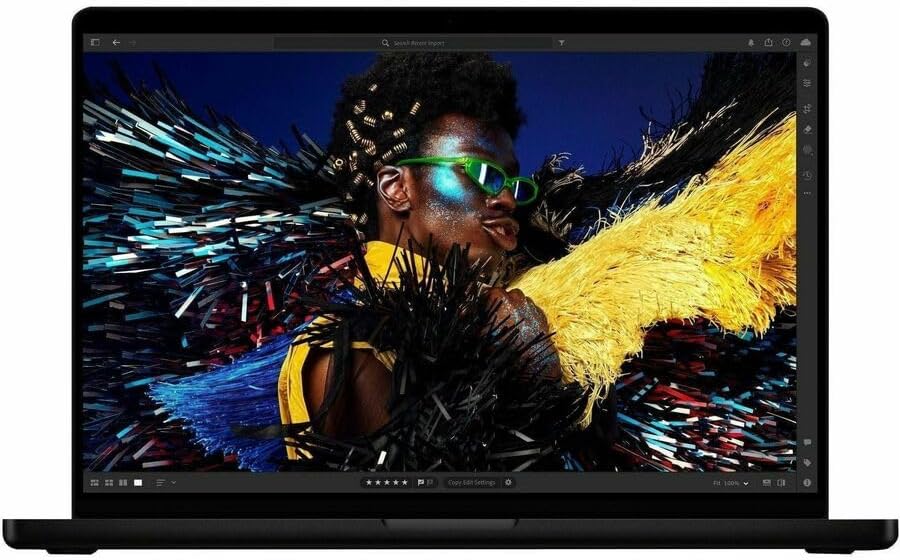
Why it’s unbeatable:
The MacBook Pro is still a top choice for remote work because of its great display, long battery life, and strong performance.
Key Specs:
- Mini‑LED display
- 15+ hours battery life
- Excellent webcam
- Multiple ports
Ideal for: Power users, creatives, and professionals who move around the house.
Dell XPS 14
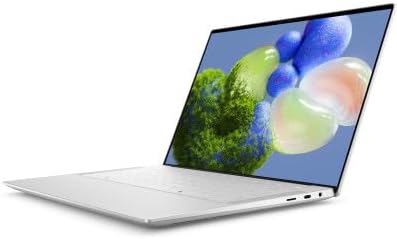
Why it deserves a spot:
The XPS 14 refines Dell’s premium formula with a brighter OLED display, improved thermals, and next‑gen Intel/AI‑accelerated performance. It’s one of the most balanced Windows laptops for remote professionals who want portability without sacrificing power.
Key Specs:
- 14″ 3K OLED display
- Latest Intel Core Ultra processors
- Long battery life (12–14 hours)
- Premium build with ultra‑thin bezels
Ideal for: Business professionals, multitaskers, and users who prefer Windows over macOS.
Lenovo IdeaPad Pro 5i
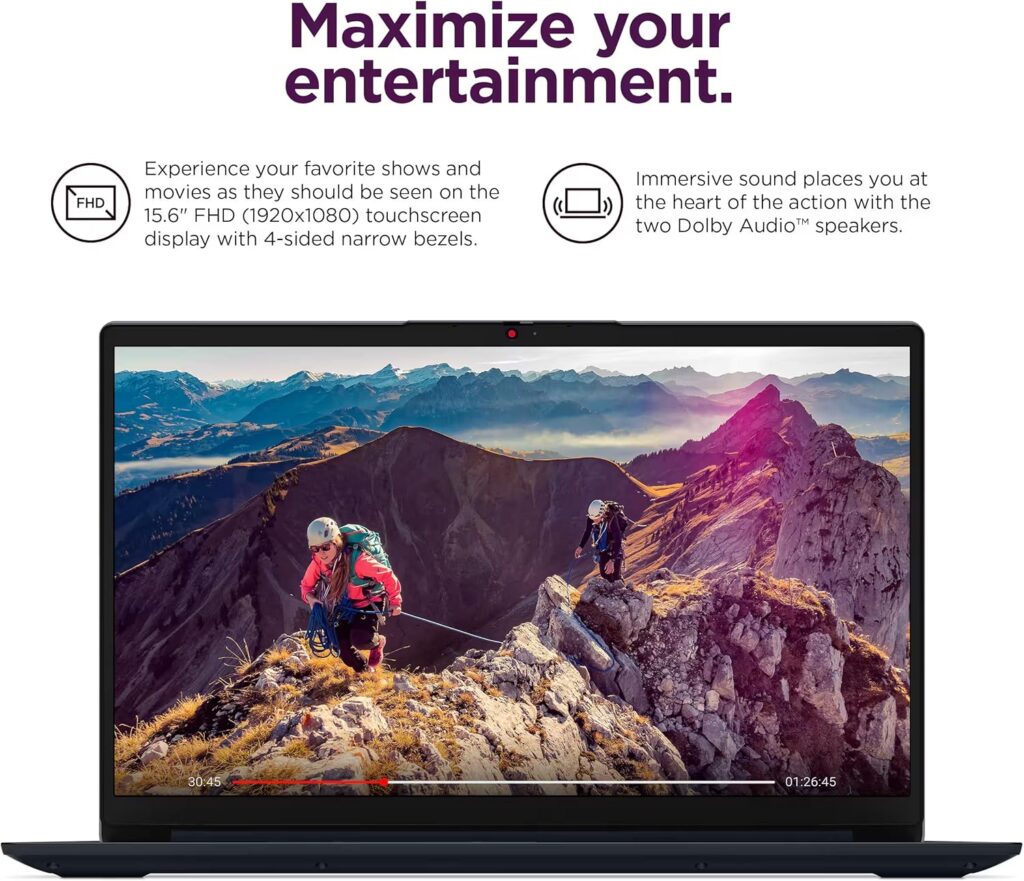
Why it’s a smart choice:
Lenovo continues to dominate the mid‑range market with the Lenovo IdeaPad Pro 5i, which delivers excellent performance for the price. Perfect for remote workers who need reliability, speed, and a great keyboard without paying premium‑tier prices.
Key Specs:
- Intel Core Ultra or AMD Ryzen 8000 series
- 16GB RAM standard
- 14″ or 16″ high‑brightness display
- Strong battery life and fast charging
Ideal for: Students, freelancers, and anyone who wants strong performance under a reasonable budget.
What to Look for in a Work‑From‑Home Computer (2026 Buying Guide)
1. Performance Requirements
- General office work → mid‑range CPU, 16GB RAM
- Creative work → M‑series or high‑end Intel/AMD, 32GB RAM
- Data analysis/programming → multi‑core CPU, fast SSD
2. Form Factor
- Desktop: Best performance and longevity
- Laptop: Flexibility and mobility
- All‑in‑one: Cleanest setup
3. Display Quality
- At least 1080p (laptops)
- 4K recommended for desktops
- High brightness for outdoor/bright rooms
4. Connectivity
- Multiple USB‑C/USB‑A ports
- HDMI or DisplayPort
- Wi‑Fi 6E or Wi‑Fi 7
5. Future‑Proofing
- Upgradable RAM/SSD (for desktops)
- Latest‑gen processors
- AI‑accelerated hardware
Quick Comparison Table (2026)
| Category | Model | Best For |
| Best Overall Desktop | Dell Tower Plus (2026) | Power users |
| Best Compact Desktop | Mac Mini M4 | Minimalist setups |
| Best All‑in‑One | HP OmniStudio X Pro | Meetings & design |
| Best Creative Desktop | iMac M4 | Creative pros |
| Best Business Desktop | Dell XPS 8960 | Productivity |
| Best Laptop | MacBook Pro 14 M4 | All‑around remote work |
Final Thoughts
The best computer for working from home in 2026 depends on your work style, space, and what you need from your computer. Everyone’s ideal choice will be different. For most people, the Dell Tower Plus desktop or the MacBook Pro 14 M4 laptop offer a good mix of power, reliability, and long life. Choose the one from this list that suits you best.



**mitolyn**
Mitolyn is a carefully developed, plant-based formula created to help support metabolic efficiency and encourage healthy, lasting weight management.
**aqua sculpt**
aquasculpt is a premium metabolism-support supplement thoughtfully developed to help promote efficient fat utilization and steadier daily energy.
**mounja boost official**
MounjaBoost is a next-generation, plant-based supplement created to support metabolic activity, encourage natural fat utilization, and elevate daily energywithout extreme dieting or exhausting workout routines.
**prodentim reviews**
ProDentim is a distinctive oral-care formula that pairs targeted probiotics with plant-based ingredients to encourage strong teeth, comfortable gums, and reliably fresh breath
**herpafend reviews**
Herpafend is a natural wellness formula developed for individuals experiencing symptoms related to the herpes simplex virus. It is designed to help reduce the intensity and frequency of flare-ups while supporting the bodys immune defenses.
**men balance**
MEN Balance Pro is a high-quality dietary supplement developed with research-informed support to help men maintain healthy prostate function.
**prostafense official**
ProstAfense is a premium, doctor-crafted supplement formulated to maintain optimal prostate function, enhance urinary performance, and support overall male wellness.
**boostaro reviews**
Boostaro is a purpose-built wellness formula created for men who want to strengthen vitality, confidence, and everyday performance.
**neurosharp official**
Neuro Sharp is an advanced cognitive support formula designed to help you stay mentally sharp, focused, and confident throughout your day.
**back biome**
Mitolyn is a carefully developed, plant-based formula created to help support metabolic efficiency and encourage healthy, lasting weight management.
Wishing you a happy day, every day!
A really good blog and me back again.
ProDentim is a distinctive oral-care formula that pairs targeted probiotics with plant-based ingredients to encourage strong teeth, comfortable gums, and reliably fresh breath.