

Top Tips for Contacting Motorola Customer Service Effectively
Motorola Customer Service
Key Takeaways
Motorola customer service supports phones, tablets, wearables, and accessories through multiple channels designed to get you back up and running as quickly as possible. Whether you own a Moto G, Edge, or the iconic Razr, here’s what you need to know to get help fast:
- Live chat and phone support are typically available Monday through Friday during standard U.S. business hours, with 24/7 access to online help articles, forums, and self-service tools
- Official contact options can be found on the Motorola.com support page, through the preinstalled Support app on your device, or at authorized service centers—avoid unofficial third-party “support” numbers that may be scams
- Prepare your information beforehand: have your device model, IMEI, proof of purchase, and software version ready before contacting support to speed up resolution
- Warranty coverage, repair options, and contact channels vary by region (U.S., Europe, India, Latin America), so always select your country on the Motorola support site for accurate information
- Self-service tools including warranty checkers, repair booking, and interactive troubleshooters can resolve many issues faster than waiting for an agent
How to Contact Motorola Customer Service
Finding the right contact path can mean the difference between a quick fix and hours of frustration. This section breaks down your fastest options and sets realistic expectations for response times.
The Official Support Site Entry Point
Your journey starts at the official Motorola support website. Navigate to the support section and select your device category (smartphone, tablet, wearable, or accessory) along with your country or region. This ensures you receive localized contact information, warranty terms, and repair policies specific to your location.
The site presents a clean menu that guides you toward relevant resources, including live support options and self-service tools.
Live Chat Support
Live chat is often the fastest way to connect with a Motorola support representative for issues like:
- Initial device setup and configuration
- Software troubleshooting and update questions
- Warranty eligibility inquiries
- Order and shipment tracking
To launch chat, look for the “Chat” or “Support” button on the official support page. Availability typically runs during weekday business hours in your local time zone. During peak periods or major product launches, you may experience brief queues.
Phone Support
For those who prefer speaking with an agent, Motorola offers region-specific phone numbers. In the United States, the widely referenced consumer support line is 1-800-734-5870, which third-party aggregators describe as operating 24 hours a day, 7 days a week based on thousands of customer reports.
| Region | Phone Number | Typical Hours |
|---|---|---|
| United States | 1-800-734-5870 | 24/7 reported |
| Canada | 1-800-461-4575 | Business hours |
| General inquiries | Check local site | Varies by country |
Hold times may increase during major product launches, holiday seasons, or when widespread device issues are reported. Calling during mid-week mornings often yields shorter wait times.
In-Device Support Access
Most Motorola smartphones come with a preinstalled support app—often labeled “Device Help,” “Moto Help,” or simply “Support.” This app lets you:
- Start a live chat session directly from your phone
- Run diagnostic tests on hardware components
- Jump to relevant online articles based on detected issues
- Access tutorials for features unique to your device
Using the in-device app saves time because it can automatically pull your device model, software version, and other details without you needing to look them up manually.
Email or Web-Form Support
Some regions offer email-based support or web ticketing for non-urgent issues. If available in your area, you can submit a detailed description of your problem and expect a response within 24–48 business hours. When using this option, include:
- Your device model and IMEI
- A clear description of the issue and any error messages
- Steps you’ve already tried
- Screenshots if applicable
Avoiding Scams and Unofficial Numbers
A critical warning: rely only on contact details published on Motorola’s official website or within official apps. Third-party sites sometimes list outdated or fraudulent “support” numbers that may lead to phishing attempts or paid services unaffiliated with Motorola.
If a number asks for payment information upfront or requests remote access to your device before verifying your identity, end the call immediately.
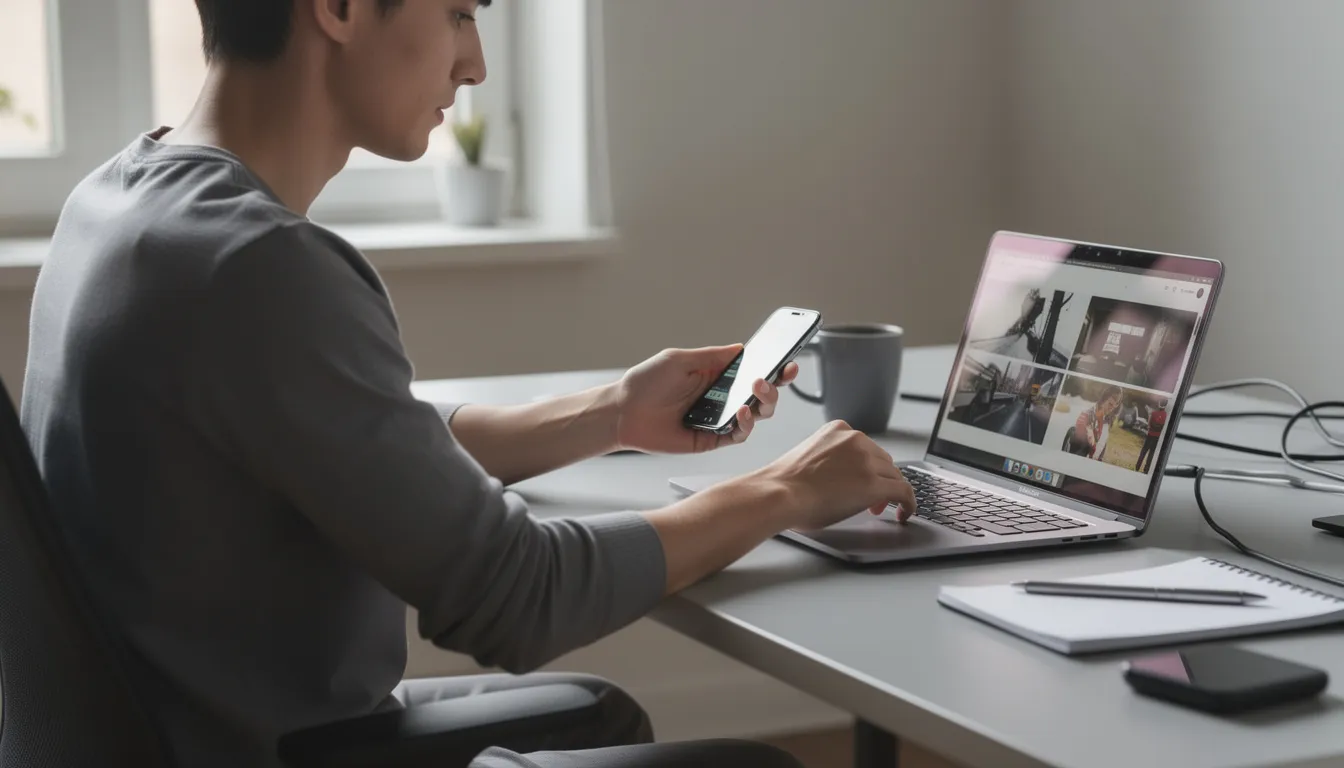
Motorola Support Options by Device Type
Motorola offers tailored support depending on whether you own a phone, tablet, smartwatch, or accessory. Selecting the right category ensures you receive guidance specific to your product’s features and common issues.
Smartphones (Moto G, Moto Edge, Razr Series)
Smartphone users make up the largest segment contacting support. Common topics include:
- Activation and carrier setup: connecting to your mobile network, transferring from an old device, eSIM configuration
- Android updates: checking for and installing the latest software, troubleshooting failed updates
- Battery and power issues: draining faster than expected, not charging, random shutdowns
- Screen problems: unresponsive touch, display flickering, cracked screen repair options
- Moto features: questions about Moto Actions, Moto Display, gestures, and customization options
For software-related issues, agents may walk you through safe mode, cache clearing, or factory reset procedures. Hardware concerns typically lead to repair or replacement discussions.
Tablets
Motorola tablet support covers topics such as:
- Wi-Fi connectivity: connection drops, slow speeds, network switching issues
- Parental controls: setting up family profiles and content restrictions
- Performance problems: slow response, app crashes, storage management
- Accessories: keyboard and stylus pairing, compatibility questions
Because tablets often serve as family devices, support interactions may involve guidance on managing multiple user profiles or recovering from software issues caused by app installations.
Wearables and Audio Products
For devices like the Moto Watch, wireless earbuds, or Bluetooth headsets, common support scenarios include:
- Pairing and connectivity: initial setup with your phone, reconnecting after disconnections
- App compatibility: ensuring the companion app is updated and functioning
- Battery concerns: charging issues, shorter-than-expected battery life
- Lost or damaged devices: warranty claims, replacement options
Audio products may require firmware updates through their companion apps, and support can guide you through these processes.
Business and Public Safety Products
Motorola Solutions—a separate entity from Motorola Mobility LLC—serves public safety agencies and enterprises with products like two-way radios, body-worn cameras, and command center software. These products have distinct enterprise support portals, dedicated account managers, and SLA-driven service agreements.
If you’re looking for support on such products, visit the Motorola Solutions website directly rather than consumer support channels. The phone number 1-888-325-9336 serves general Motorola Solutions inquiries, available Monday through Friday, 8 a.m.–5 p.m. U.S. Central Time.
Selecting Your Exact Model
Always select your exact device model from drop-down menus or use the search function on the support site. This ensures you receive:
- Device-specific troubleshooting guides
- Downloadable user manuals with accurate diagrams
- Correct information about available updates and features
Using Motorola’s Online Help & Self-Service Tools
Many issues can be resolved without ever speaking to an agent. Motorola’s online knowledge base and diagnostic tools are available 24/7 and often provide faster solutions for common software or configuration problems.
Searchable Help Center
The Motorola help center lets you search by:
- Error messages: type in the exact text you see on screen
- Feature names: search for topics like “Moto Actions,” “Moto Display,” or “Gesture navigation”
- Symptoms: describe what’s happening, such as “phone won’t turn on” or “camera not working”
Search results return articles with step-by-step instructions, often including screenshots and video demonstrations.
Interactive Troubleshooters
Step-by-step troubleshooters walk you through diagnostic checks tailored to your issue. These guided flows typically include:
- Restarting your device
- Booting into safe mode to identify problematic apps
- Clearing app cache and data
- Testing specific hardware components (touchscreen, speakers, cameras)
- Resetting settings or performing a factory reset as a last resort
Following these sequences before contacting support saves time because agents will ask about these steps anyway.
User Guides and Manuals
Every Motorola device has downloadable or online user guides. These manuals contain:
- Detailed diagrams of buttons, ports, and SIM/SD card slots
- Initial setup instructions
- Feature explanations with usage examples
- Safety and regulatory information
Bookmarking your device’s manual page provides a quick reference when questions arise.
Community Forums
In many regions, Motorola hosts community forums where users can:
- Ask questions and receive peer-to-peer support
- Browse solutions shared by experienced users
- Interact with official moderators who occasionally provide guidance
Forums are particularly useful for uncommon issues or device-specific quirks that may not be covered in official documentation.

Warranty and Repair Self-Service
Before contacting support about a potential repair, you can:
- Check warranty status: enter your IMEI or serial number to see if your device is still covered
- View repair options: see estimated costs for out-of-warranty repairs
- Book service appointments: schedule mail-in repairs or find authorized service centers near you
These tools are accessible around the clock and give you critical information before deciding how to proceed.
Motorola Warranty, Repairs, and Service Centers
Understanding what Motorola’s warranty covers—and what it doesn’t—helps you set realistic expectations before requesting service.
Standard Limited Warranty Coverage
Motorola’s standard limited warranty typically covers:
- Duration: approximately 12 months from the original purchase date for most consumer phones (exact terms vary by country and product)
- Scope: manufacturing defects in materials and workmanship under normal use conditions
This means if your phone experiences hardware failures not caused by external factors, Motorola will repair or replace it at no charge during the warranty period.
What’s Usually Excluded
The warranty generally does not cover:
- Physical damage from drops, impacts, or crushing
- Liquid damage or exposure to moisture
- Damage caused by unauthorized modifications or repairs
- Issues arising from use of counterfeit parts or accessories
- Normal wear and tear, including battery degradation over time
- Devices purchased from unauthorized sellers
If your damage falls into these categories, you may still be eligible for paid repairs.
Checking Your Warranty Status
Before requesting service, verify your coverage:
- Locate your IMEI (dial *#06#) or find it in Settings > About Phone
- Visit the official Motorola support site
- Enter your IMEI or serial number in the warranty checker tool
- Review your coverage status and expiration date
This step prevents surprises during the repair process and helps you decide whether to proceed with a claim.
The Repair Process
When a repair is needed, the typical flow involves:
- Contact support: reach out via chat or phone for initial troubleshooting
- Diagnosis: if the issue can’t be resolved remotely, the agent initiates a repair request
- Repair options: depending on your region, you may receive instructions for mail-in service, scheduled pickup, or directions to an authorized service center
- Device return: after repair, your device is returned via the same method
Always back up your data before sending your device for repair. Motorola is not responsible for data loss during the service process.
Authorized Service Centers
Some regions have walk-in authorized service partners. Use the official locator tool on the Motorola website to find them—avoid third-party repair shops if you want to maintain your warranty coverage.
Unauthorized repairs may void remaining warranty coverage and could introduce additional problems.
Out-of-Warranty Repairs
Devices outside the warranty period may still be eligible for paid repairs. The process typically includes:
- Submitting a repair request
- Receiving a diagnostic assessment and cost estimate
- Approving the repair before work begins
- Paying for parts and labor
Quotes vary based on the nature of the damage and parts required.
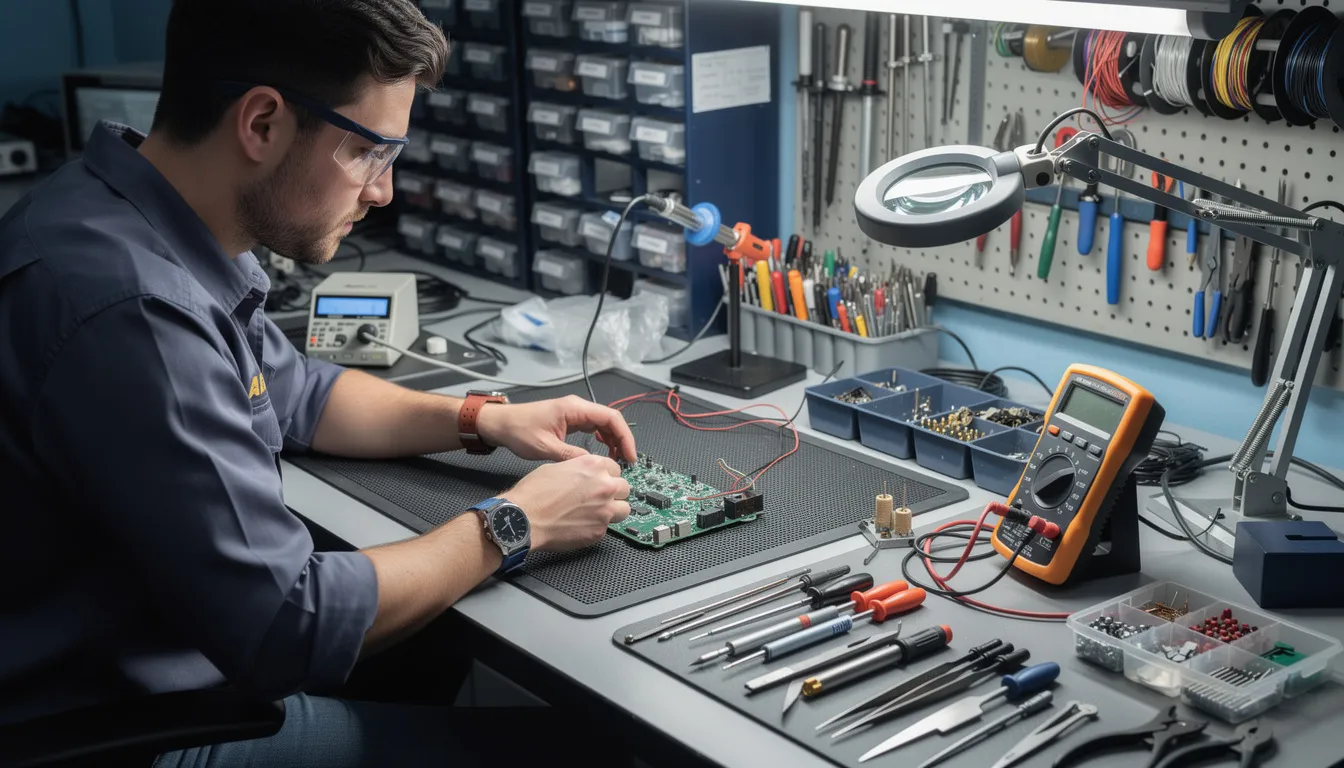
Motorola Customer Service by Region
Contact channels, languages, business hours, and repair options differ significantly across regions. Always select your country on the Motorola support site for accurate information.
United States and Canada
North American users benefit from:
- Phone support: 1-800-734-5870 (U.S.), 1-800-461-4575 (Canada)
- Chat availability: typically during business hours, with some extended evening coverage
- Repair logistics: primarily shipping-based mail-in service, with authorized partners in major cities
Corporate offices include Motorola Mobility LLC at 222 W. Merchandise Mart Plaza, Suite 1800, Chicago, IL 60654, and the Canadian office in Markham, Ontario.
Europe
European users across the UK, Germany, France, Spain, and other countries can expect:
- Multilingual support: agents available in local languages
- Country-specific websites: subdomains or country selectors provide localized content
- Local repair partners: authorized service centers in major cities
- Warranty terms: may differ slightly based on local consumer protection laws
Latin America
Countries like Brazil, Mexico, and Argentina have a large Motorola user base. Regional highlights include:
- Local-language support: Spanish and Portuguese options
- Service centers: physical locations in major metropolitan areas
- Extended service plans: some regions offer additional protection plans purchased at or after the sale
India and Asia-Pacific
These regions feature:
- High service center availability: authorized locations in many major cities
- Local toll-free numbers: country-specific contact lines
- Region-tailored content: support articles and guides addressing local carrier configurations and popular features
Regional Selection Is Essential
Because orders, warranty terms, and support processes differ by location, always:
- Visit the official Motorola support website
- Use the country/region selector in the menu or footer
- Verify that phone numbers and hours match your local time zone
This ensures you’re not directed to incorrect resources or experience unexpected repair terms.
Tips for Getting the Most from Motorola Customer Support
Good preparation and clear communication can significantly speed up resolution times. Here’s how to make every interaction count.
Gather Key Information Before You Call
Have the following ready:
| Information Needed | Where to Find It |
|---|---|
| Device model name | Settings > About Phone |
| IMEI or serial number | Dial *#06# or check Settings > About Phone |
| Android version | Settings > About Phone > Android version |
| Carrier name | SIM card provider |
| Purchase date | Order confirmation or receipt |
| Issue description | Your own notes |
Document the Problem
Before contacting support:
- Note exact error messages word-for-word
- Take screenshots when possible
- List the specific steps that reliably reproduce the issue
- Record any recent changes (new apps installed, updates applied, drops, or water exposure)
This documentation prevents back-and-forth questions and helps agents diagnose faster.
Complete Basic Troubleshooting First
Agents will ask if you’ve tried these steps, so handle them beforehand:
- Restart your device
- Clear cache for problematic apps
- Check for software updates
- Boot into safe mode to test if third-party apps cause the issue
Mentioning these steps upfront demonstrates you’ve done your homework and moves the conversation toward solutions.
Request a Case Number
During any phone or chat interaction, ask for a case or ticket number. This reference:
- Lets you track progress on your issue
- Prevents repeating your story if you need to call back
- Provides documentation if escalation is needed
Stay Within Official Channels
Never share passwords, full backup codes, or payment details through unsecured or unofficial links. Legitimate Motorola support will not:
- Ask for your account password
- Request payment via gift cards or wire transfer
- Pressure you to install remote access software from unknown sources
If something feels wrong, end the interaction and contact support through verified official channels.
Motorola Trademarks and Legal Notices
This section clarifies branding and legal attributions you’ll commonly see on Motorola customer service and support pages.
MOTOROLA, MOTO, the stylized M logo, and related marks are trademarks or registered trademarks of Motorola Trademark Holdings, LLC, and are used under license by Motorola Mobility LLC and other authorized entities.
Motorola Solutions, which serves public safety and enterprise customers, operates as a separate publicly traded company. Legal notices on support pages may differ depending on whether you’re viewing consumer mobile product content or enterprise solutions content.
All other trademarks and product names mentioned in support content—including Android, Google, and various carrier names—are property of their respective owners and do not imply endorsement or affiliation.
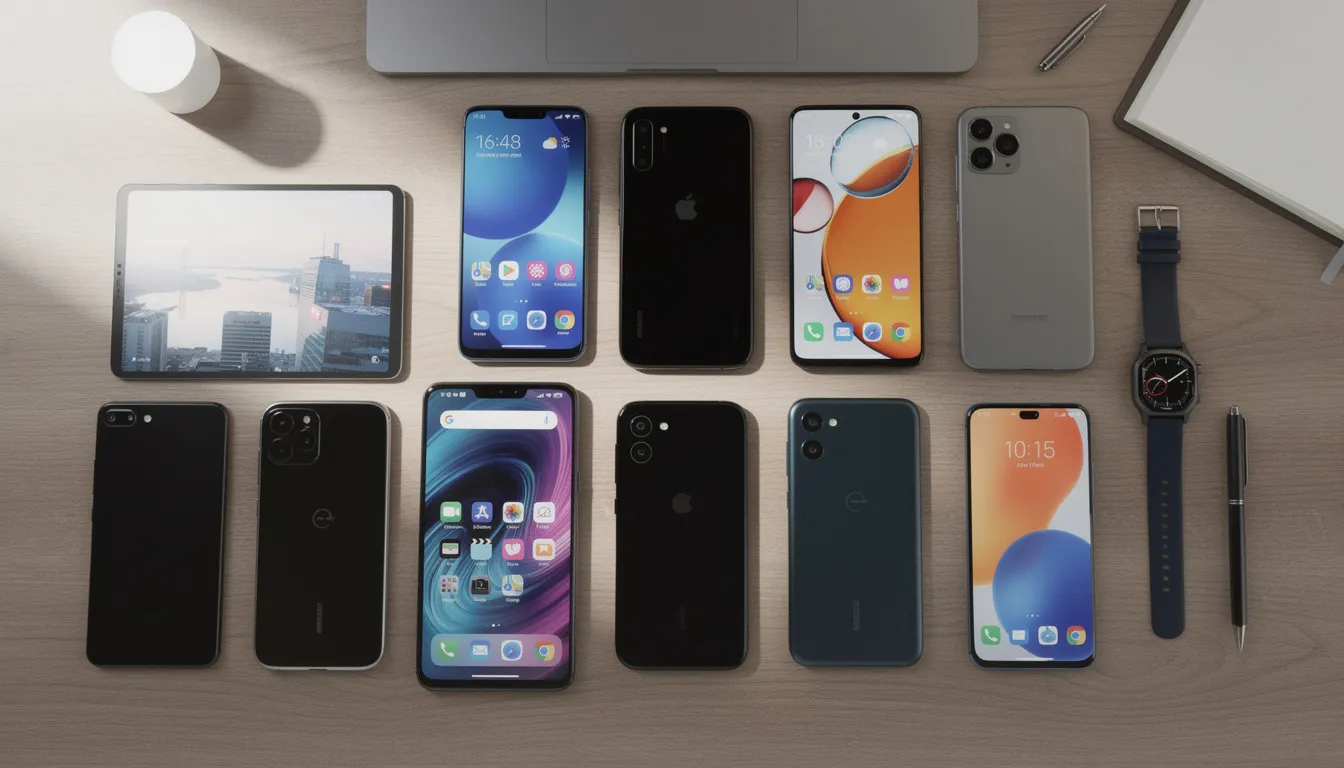
FAQ – Motorola Customer Service
This FAQ addresses common questions not fully covered in the main sections above.
Q1: How can I quickly find out if my Motorola phone is still under warranty?
Visit the official Motorola support site and locate the warranty checker tool. Enter your device’s IMEI (dial *#06# to display it) or serial number (found in Settings > About Phone or on the original box). The tool will return your warranty status, start date, and expiration date. This check takes less than a minute and should be your first step before requesting any service.
Q2: Does Motorola offer support for older or discontinued phone models?
Yes, Motorola maintains user manuals and basic troubleshooting articles online for many older models. However, access to replacement parts and official repairs may become limited after a device has been discontinued for several years. Third-party repair shops may offer services for legacy devices, but these repairs won’t be covered under Motorola’s warranty.
Q3: Can Motorola customer service help me recover data from a damaged phone?
Support agents can provide guidance on backup and recovery options, including using cloud backups or computer-based tools. However, data retrieval from severely damaged devices (particularly those with non-functional screens or water damage) is often not guaranteed. Specialized third-party data recovery services—not operated by Motorola—may be required for critical recovery needs. Always maintain regular backups to prevent data loss.
Q4: Is there a way to track the status of my Motorola repair once I’ve sent my device in?
Most regions offer online repair tracking through the Motorola support site. Log in using your repair order or case number to view current status, estimated completion time, and shipping updates. Some service centers also send email or SMS notifications at key stages (device received, repair in progress, shipped back). If tracking isn’t available online in your region, contact support with your case number for updates.
Q5: Does Motorola provide live support on social media platforms?
Official Motorola accounts on platforms like X (Twitter) and Facebook may offer basic guidance, share helpful links, and direct users to appropriate resources. However, for account-related issues, warranty claims, or repair actions, you should always use official support portals. Before engaging with any social media account claiming to be Motorola support, verify the account’s authenticity by checking for verification badges and matching the handle to what’s linked from the official Motorola website.


**mounjaboost**
MounjaBoost is a next-generation, plant-based supplement created to support metabolic activity, encourage natural fat utilization, and elevate daily energywithout extreme dieting or exhausting workout routines.
**prodentim**
ProDentim is a distinctive oral-care formula that pairs targeted probiotics with plant-based ingredients to encourage strong teeth, comfortable gums, and reliably fresh breath